
Oh Snap! I left my iPad in Baggage Screening
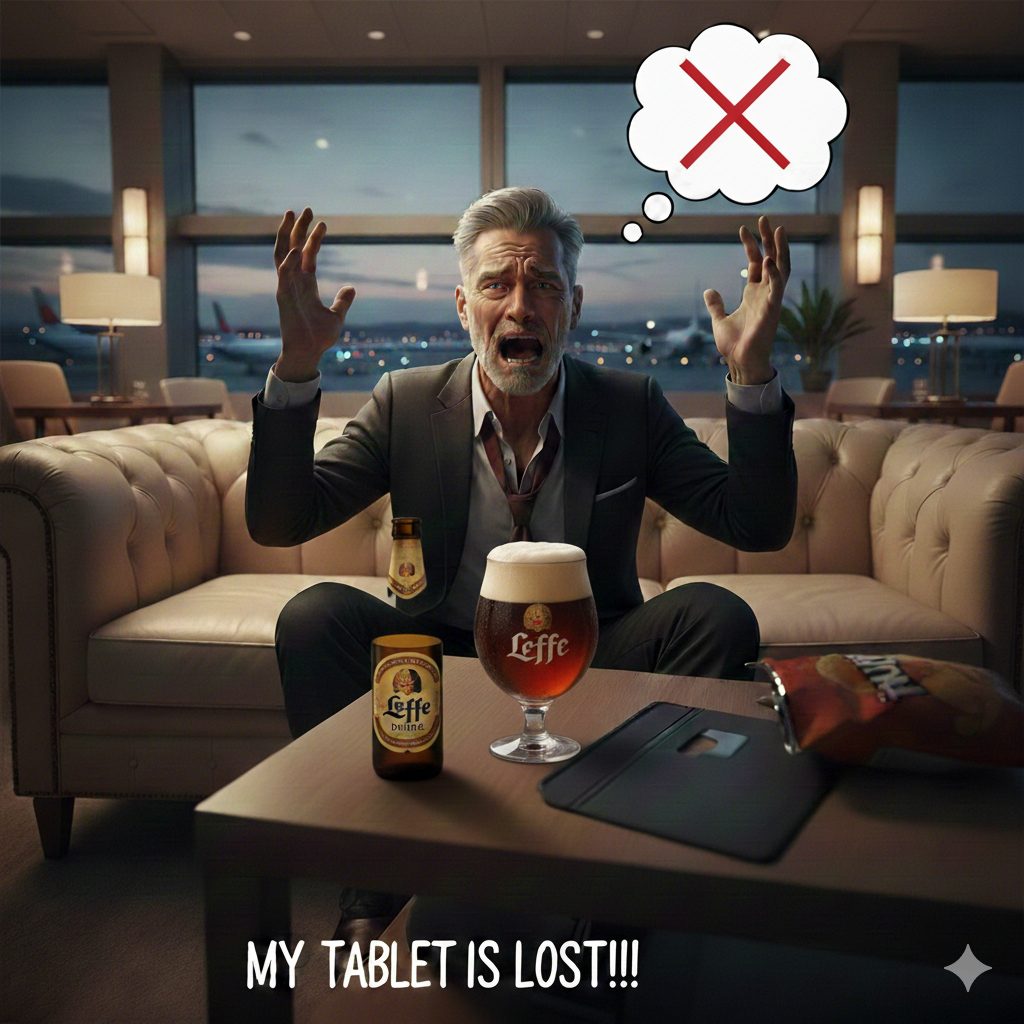
It is that horrible moment when you are sitting in the airport lounge enjoying a Leffe Brune and realize that you left your iPad in the baggage screening area of a foreign airport. Adrenaline spikes, blood pressure jacks up thru the roof, and you try to remember is there a pin code applied to the device??? Yeah – that was me a couple of weeks ago at Zaventem airport – one of the largest airports in the world. What to do? Before and after –> read on.
What to do Immediately When you Lose Your iPad/Tablet
Take a deep breath. Where are you? How much time until boarding? What is on your iPad and do you have the basics of security active or advanced security (see below) or nothing at all? What is the device worth to you based on the answers to these questions? If not important – forget it and stop reading this, otherwise this article is for you and it is important, please proceed.
If you have done absolutely nothing to protect your device, then you just have to cross your fingers and hope at this point. You can take the time to reset passwords based on what you think you did on the tablet while you wait to board the plane.
If you have the minimum common sense things applied such as registering your device in Find My, use Find My (or Google/Android equivalent) and lock the device. If you have the time, at least 60 minutes before boarding, then go back to passport control and find an agent to help you go back to screening. You will probably have to leave your passport there – be cautious, but not afraid to leave it. Remember the agent and booth # where you leave it. Check with the information desk at baggage screening. If they do not have it, quickly head back thru passport control and get your passport back.
When you get back to the lounge/gate log into iCloud, Google, and any other cloud provider and reset your passwords and kill sessions on the device you lost. Do the same with any other SaaS provider like Dropbox. Super helpful to have a file online that tells you what all of your accounts actually are –> not the passwords, but the accounts and usernames prioritized to reset and don’t keep them on your tablet, but only on your phone or laptop – your primary device that you will not lose (hopefully).
If you did not get the tablet back after going back to look, before getting on the plane, find the lost and found service for the airport online, and register your device as having been lost.
What to do Pro-Actively – Advanced Security
I lost a tablet before and I was arrogant that would I not. D-U-M-B. I had no PIN. No security at all. Stupid. Lesson learned. I now assume I am going to lose a tablet and/or any device. I secure my phone and laptop, but it is less easy to lose those. Passwords, PINS, 2FA/MFA – all important accounts must have these implemented. The tablet –> I go super secure beyond my phone and laptop. I assume I am going to lose it again. This saved me recently at Zaventem (Brussels Airport).
After losing my first tablet coming back from a meeting in New York City, for the next tablet, an iPad Pro, I prepared:
- Set a screen lock with facial recognition and a six digit PIN code
- Registered the device with Apple’s Find My; or if you are on Android then use Google’s equivalent service
- Did not install or use file sharing apps like Dropbox since I do have sensitive files in there. Use the browser with these to access things.
- All financial and government accounts must have MFA/2FA applied; just do it.
- Limited the use of personal things like messaging apps, and social apps.
- Did not register your tablet as a “trusted device” to get 2FA/MFA confirmations.
- Do not access anything critical to your personal security: home security systems for example. Do not install home security apps on the tablet.
- Only use Chrome for browser access to the internet with a Google account under 2FA and enable alerting for unauthorized account access.
- I have multiple Google accounts to segregate critical things from non-critical. I only access things from the non-critical account on my tablet. PITA? Yes. Safe? Yes.
- Do not use Safari or Firefox –> simply more sessions to kill. Pick one browser and it is easier to use Chrome instead of Safari, which is always tightly connected to your Apple Accounts.
- Limit the use of email and email accounts on the tablet, especially accounts that could receive a security related email.
- Keep a list of apps that are installed so you know what passwords might be exposed and what to reset when it is lost. Keep the serial numbers and IMEI codes for all devices in this same file. You will need this for lost and found services —> especially the serial numbers. Keep this file in a secure cloud provider like Dropbox. MFA that account.
- Continually groom and delete unused internet accounts
- For critical accounts enable your partner/spouse/family member with access and MFA/2FA access on your behalf to help lock things down while you are in the air.
- Regardless of tablets or not, keep your credit reports locked at all times with the major US or regional credit agencies.
As a result of this second loss, I added MFA to all of my critical accounts. I also deleted 25 “dead” internet accounts and I’m still deleting more to decrease my internet footprint. I’ve always used a set of accounts to segregate the world into critical and not critical. Because of this my lost tablet did not have very much of “me” or as the Who said “The Real Me“.
What To Do if You Were Not Proactive
Get onto your cloud providers and invalidate sessions – Google, Facebook, Linkedin, iCloud, etc. Get your partner to help if possible. Change critical passwords: banking, cloud providers, key email accounts, etc.
What Not to Count On
- Find My is not going to save you if you do not prepare. The device will not get locked if it is offline. It has to show up on the internet for that.
- I had intentionally set my iPad to Airplane mode so it was not showing up online in Find My. Don’t do that. Only set it to Airplane mode on the plane
- I got lucky and the great staff at Zaventem saved my butt. Don’t count on this and don’t keep important things on your tablet. Really think about what is on there and can you afford to lose it into the hands of bad actors. Or make a decision about devices and don’t carry a phone, laptop, and tablet. The fewer devices that have sensitive stuff, the better off you are when traveling.
- Many of these points apply to all devices, not just tablets. So much of our lives depend on the security of our digital devices. Do not get lazy or arrogant that it won’t happen to you.
Some Special Thanks
I really have to commend the staff at Zaventem (Brussels Airport). In over 30 years of traveling, I have found the staff at Brussels to be the best and most thoughtful staff in all my travels. They were caring, quick to get to a solve mode, and ultimately got my device returned to me. In particular I would commend Pascal and Luc for their proactive communications. I would also commend DHL for the their responsiveness too. I got my package delivered by them with consistent communication.


